
Share your life without sharing everything.
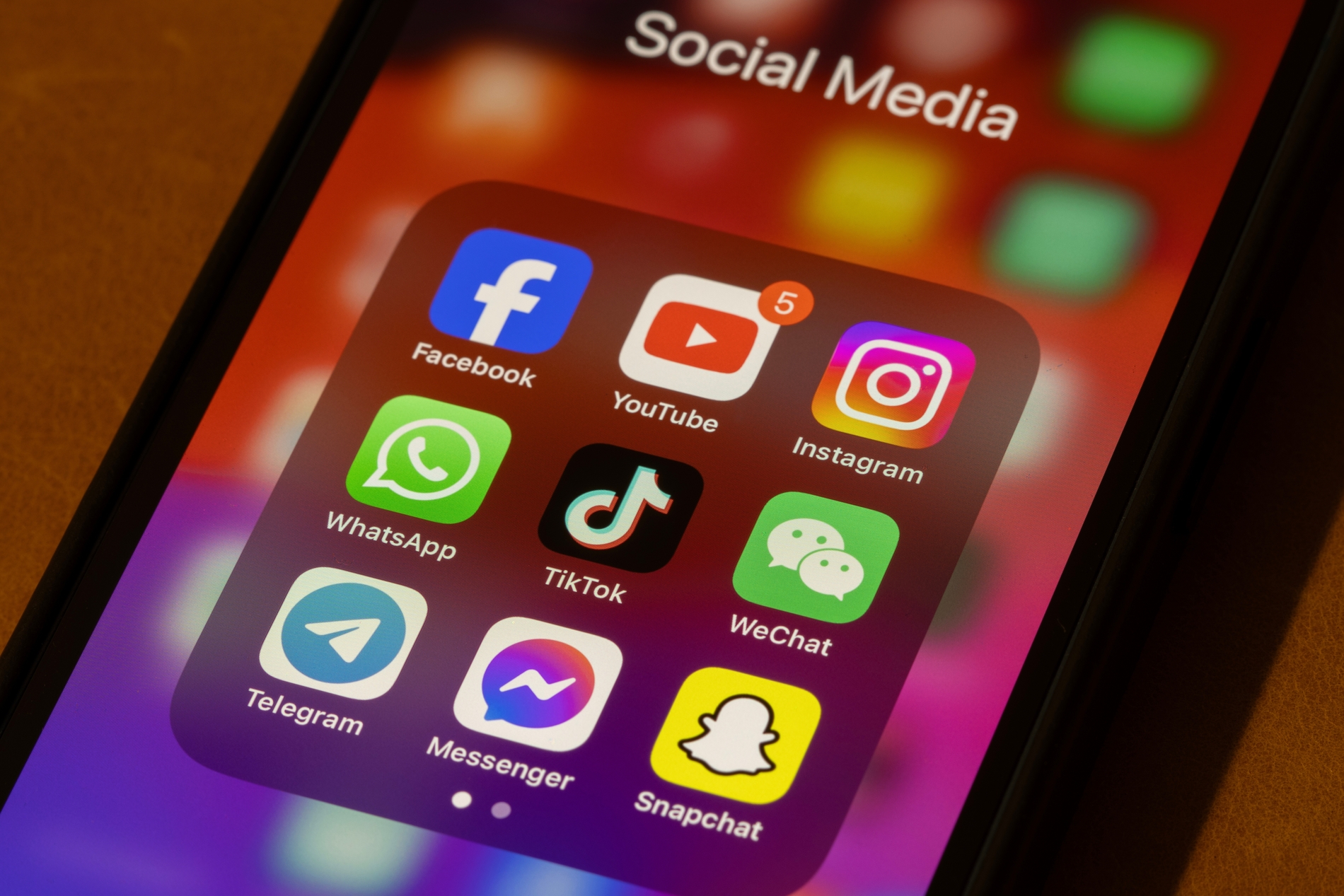
Social media makes staying connected incredibly easy. We share holiday photos, celebrate milestones, discover new places, follow friends, and sometimes document ordinary parts of our day without thinking twice.
The problem is that small pieces of information can add up quickly. Protecting your privacy doesn’t mean disappearing from social media. It simply means becoming more intentional about what you share and who can see it.
Check What Your Profile Reveals
Start by viewing your social media profiles as someone who doesn’t know you.
Your bio, workplace, hometown, birthday, family details, tagged photographs, and location posts can reveal more than expected. Some information may have been added years ago and no longer needs to remain public.
Remove details that don’t provide any real value. Your profile can still feel personal without becoming a complete record of your life.
Review Your Privacy Settings
Social platforms regularly update their features, so settings you chose several years ago may no longer reflect how you use your account.
Check who can see your posts, contact you, tag you, view your stories, or find your profile. If your account is personal, consider limiting certain content to people you actually know.
It’s worth reviewing these settings every few months rather than treating them as something you configure once and forget.
Think Before Sharing Your Location
Location sharing is one of the easiest habits to overlook.
Posting from a restaurant, hotel, airport, or holiday destination can reveal exactly where you are at that moment. Sharing a long trip can also unintentionally tell people that your home is empty.
You don’t have to stop posting travel content. Consider uploading photographs after leaving a location rather than sharing every activity in real time.
Be Careful With Background Details
Sometimes the information you reveal isn’t the focus of the photograph.
A picture taken at home might show your street through a window. A desk photograph could include paperwork containing personal information. Travel photos may accidentally display boarding passes, hotel room numbers, or other details.
Taking a few seconds to check the background before posting can prevent unnecessary information from becoming public.
Use Stronger Account Security
Privacy also depends on keeping other people out of your accounts.
Use strong, unique passwords and avoid repeating the same password across multiple platforms. Two-factor authentication adds another useful layer of protection by requiring additional verification when someone attempts to log in.
Also be cautious with unexpected messages asking you to click links or provide login information, even when they appear to come from someone you know.
Remember Other People’s Privacy
Social media privacy isn’t only about your own information.
Before posting photographs of friends, children, relatives, or colleagues, consider whether they would be comfortable having those images online. The same applies to tagging locations or sharing someone else’s personal news.
A quick question before posting can avoid an uncomfortable situation later.
Regularly Clean Up Your Digital Footprint
Most people have years of forgotten posts sitting on old accounts. Occasionally scrolling through your history can be useful.
Delete content that no longer represents you, remove unused accounts, review connected apps, and unfollow services you no longer trust or use.
You don’t need to erase your entire online history. The goal is simply to know what’s there.
Share With Intention
Social media works best when it helps us connect rather than making us anxious about everything we post.
Before sharing something, ask a simple question: does this information actually need to be public?
Protecting your privacy isn’t about becoming secretive. It’s about deciding which parts of your life belong online and which are better kept for yourself and the people closest to you.
In a world where sharing has become automatic, choosing what not to share can be just as valuable.